OKX Wallet App: Download Safely on iPhone and Android
Published November 4, 2026 · okxapk
Self-custody wallet for 140+ networks, with a built-in DEX. Joining through our invite link gives a trading-fee discount on OKX DEX swaps.
Open OKX WalletReferral link: we may earn a share of DEX fees at no extra cost to you.
The OKX Wallet app is OKX's standalone self-custody Web3 wallet for iPhone and Android. Download it from the official page at web3.okx.com/download or from the App Store or Google Play listing it links to. The app lets you hold crypto on 130+ blockchains, swap through OKX DEX and connect to DApps, with keys that only you control. If you already use the OKX exchange app, note that the Web3 wallet entry there may have moved, and OKX may ask you to switch to the standalone app.
These are two different things. The OKX app is the exchange: OKX holds your funds and you log in with an account. The OKX Wallet app is a self-custody wallet: there is no account, you hold the seed phrase, and nobody can recover it for you. OKX says OKX Web3 Wallet is not offered by OKX Exchange and has its own terms of service.
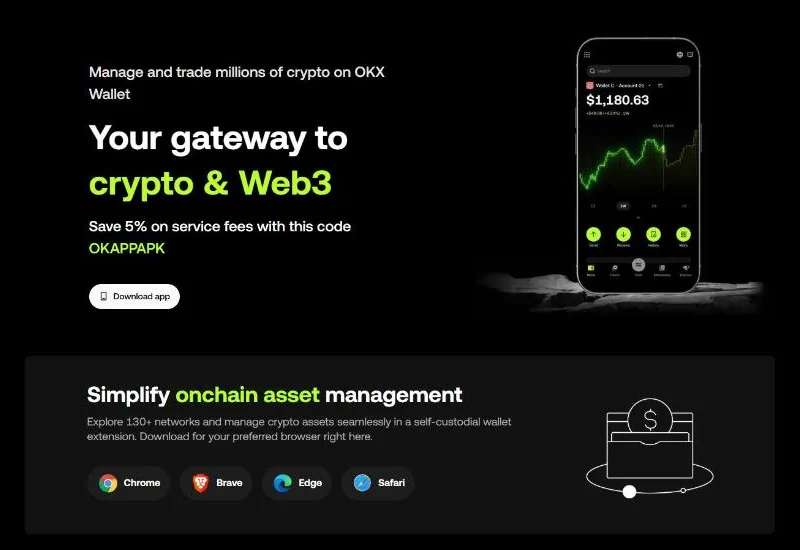
Never install a wallet from a link in an ad, a direct message or a Telegram "support" chat. Fake wallet apps exist to steal seed phrases.
OKX's help center says the Web3 wallet entry depends on your region, identity verification details, app version and wallet usage. For some users it has moved from the homepage to Services → OKX Wallet. OKX suggests:
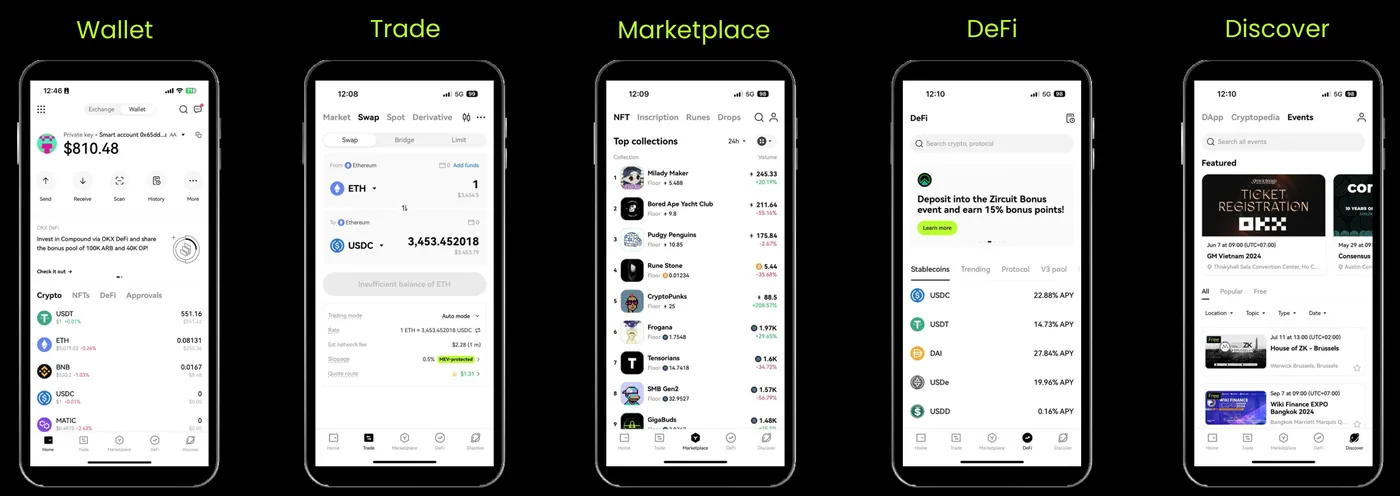
The same wallet is available as a browser extension for Chrome, Brave, Edge and Safari from the same download page. See our OKX Wallet extension guide for how to spot a fake extension.
You can also open OKX Wallet through our OKX Wallet referral link (we may earn a commission; any DEX fee discount depends on the code and is shown before you bind it).
Yes. Downloading the app and creating a wallet is free. Swaps can carry an OKX DEX service fee, shown before you confirm, plus network gas.
No. The OKX app is the custodial exchange; OKX Wallet is a self-custody wallet where only you hold the keys. You can link the two with Wallet Connect in supported regions.
OKX says it may now be under Services → OKX Wallet, depending on your region and app version. Some users are asked to use the standalone OKX Wallet app instead.
Start from web3.okx.com/download, follow its link to the App Store or Google Play, check that the listing links back to okx.com, and never install from ads or chat links.
Self-custody wallet for 140+ networks, with a built-in DEX. Joining through our invite link gives a trading-fee discount on OKX DEX swaps.
Open OKX WalletReferral link: we may earn a share of DEX fees at no extra cost to you.